draw.io
draw.io stores labels as HTML in <foreignObject>, which WeasyPrint does not draw. Next to each label it writes a short fallback text and a "Text is not SVG - cannot display" note. The drawio plugin replaces each label with SVG text, one <tspan> per line, and removes the note.
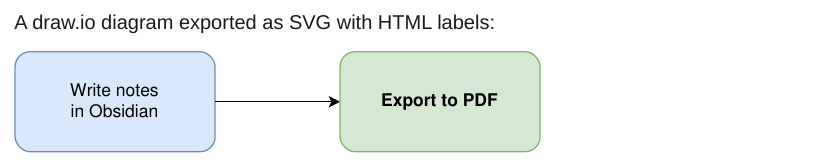
This is a best effort:
- Mixed formatting inside one label (a bold word, a second colour) is flattened to the main style of the label.
- Wrapped labels are wrapped again with an estimated character width, so line breaks can differ a little from draw.io.
- For full fidelity, export from draw.io with "Convert labels to SVG" turned on, or as PNG.