Links and images
Links
Markdown
- A Markdown link and an autolink in angle brackets become links in the PDF.
- A bare URL stays plain text. Pandoc's reader does not turn it into a link, while Obsidian does. Wrap it in
<...>to get a link. - In print, links have the text colour. Links between pages of the export are wiki links.
Images
Markdown
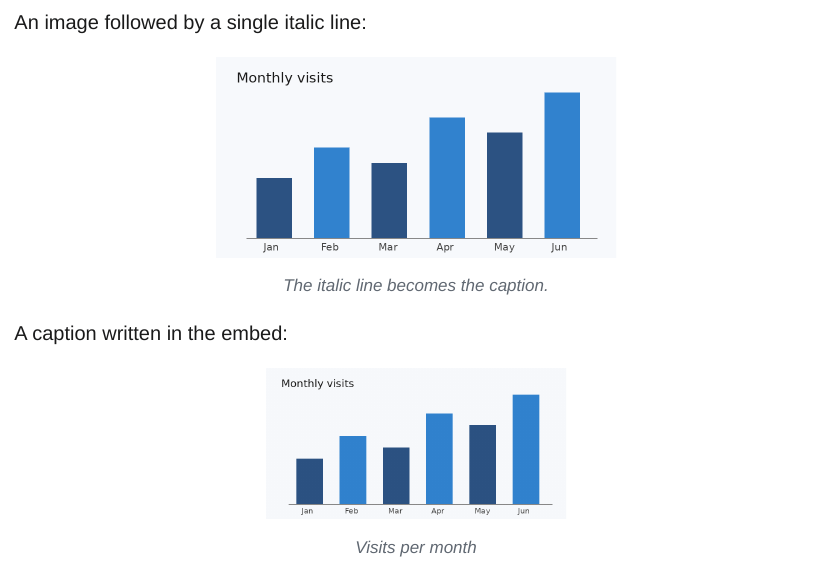
- An image is at most as wide as the text and never split across pages.
- A Markdown link to a note, such as
[text](Page.md), works like a wiki link. - A single italic line right below an image becomes its caption.
- Image sizes and the full embed syntax are on the Embeds page.
Local images
Markdown
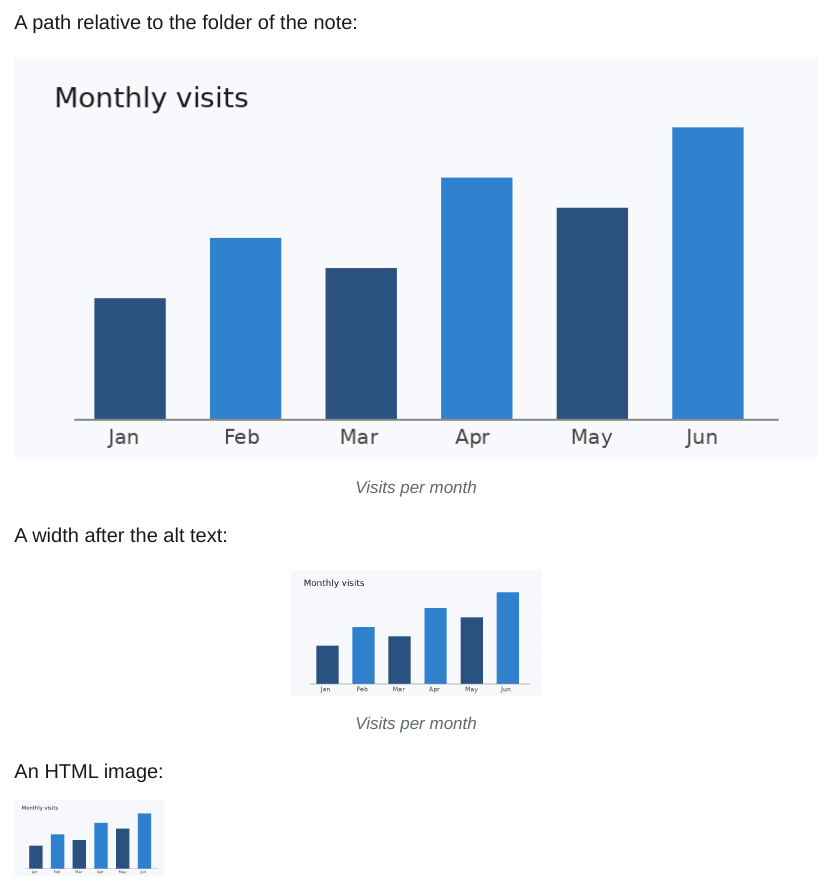
- The path of
and of<img src="../path">is looked up from the folder of the note it is written in, as in Obsidian. In an embedded note, that is the folder of the embedded note. - A path that starts with
/is looked up from the vault root. When the path does not exist, the file name is looked up in the whole vault, as for![[image.png]]. - Encoded characters (
my%20chart.png) and paths in angle brackets () work. A title () is kept. - A width or a width and height after the alt text,
or, sets the size, as in Obsidian. - Images with a URL, such as
https://...ordata:..., stay as written. - A Markdown image that cannot be found becomes the italic text [Image: path], an HTML image stays as written. Both give a warning.