Skip to content

Headings and text

Headings

Headings are numbered and go into the table of contents (down to level 4). The headings of a page nest under the page's own heading, so a note's ## becomes a level below its section. See Folder Notes.

Markdown
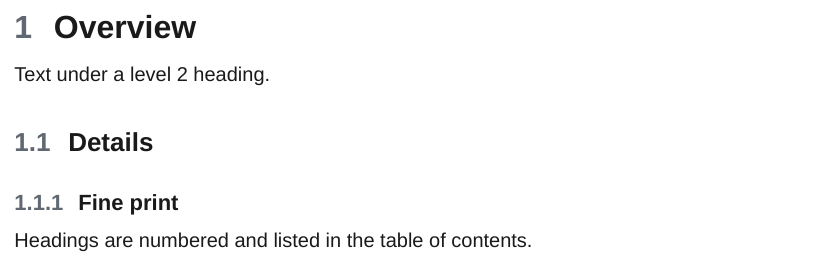
## Overview

Text under a level 2 heading.

### Details

#### Fine print

Headings are numbered and listed in the table of contents.

PDF

Numbered headings in the PDF

A page that starts with ### (it skips a level) is closed up, so section numbers never contain a 0.

Emphasis

Markdown

Text can be *italic*, **bold**, ***bold and italic*** or ~~struck through~~.

Underscores work too: _italic_ and __bold__.

Inline code looks like `ope export ./Notes`.

PDF

Italic, bold and struck-through text

Horizontal rules

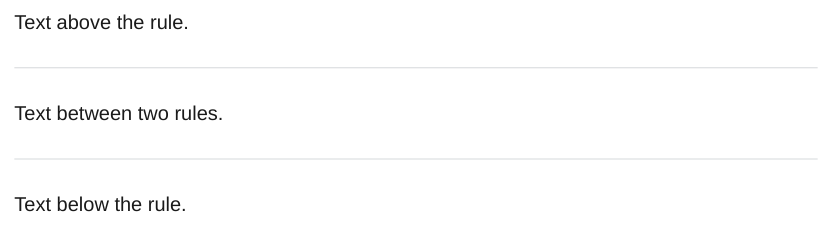
---, *** and ___ on their own line draw a thin line.
Markdown

Text above the rule.

---

Text between two rules.

***

Text below the rule.

PDF

Horizontal rules

The CSS for all of this is in the CSS reference.
