Callouts
Types
Every Obsidian callout type works. Aliases share the style of their group: [!summary] looks like [!abstract], [!caution] like [!warning].
Markdown
> [!note]
> note

> [!abstract]
> abstract, summary, tldr

> [!info]
> info

> [!todo]
> todo

> [!tip]
> tip, hint, important

> [!success]
> success, check, done

> [!question]
> question, help, faq

> [!warning]
> warning, caution, attention

> [!failure]
> failure, fail, missing

> [!danger]
> danger, error

> [!bug]
> bug

> [!example]
> example

> [!quote]
> quote, cite
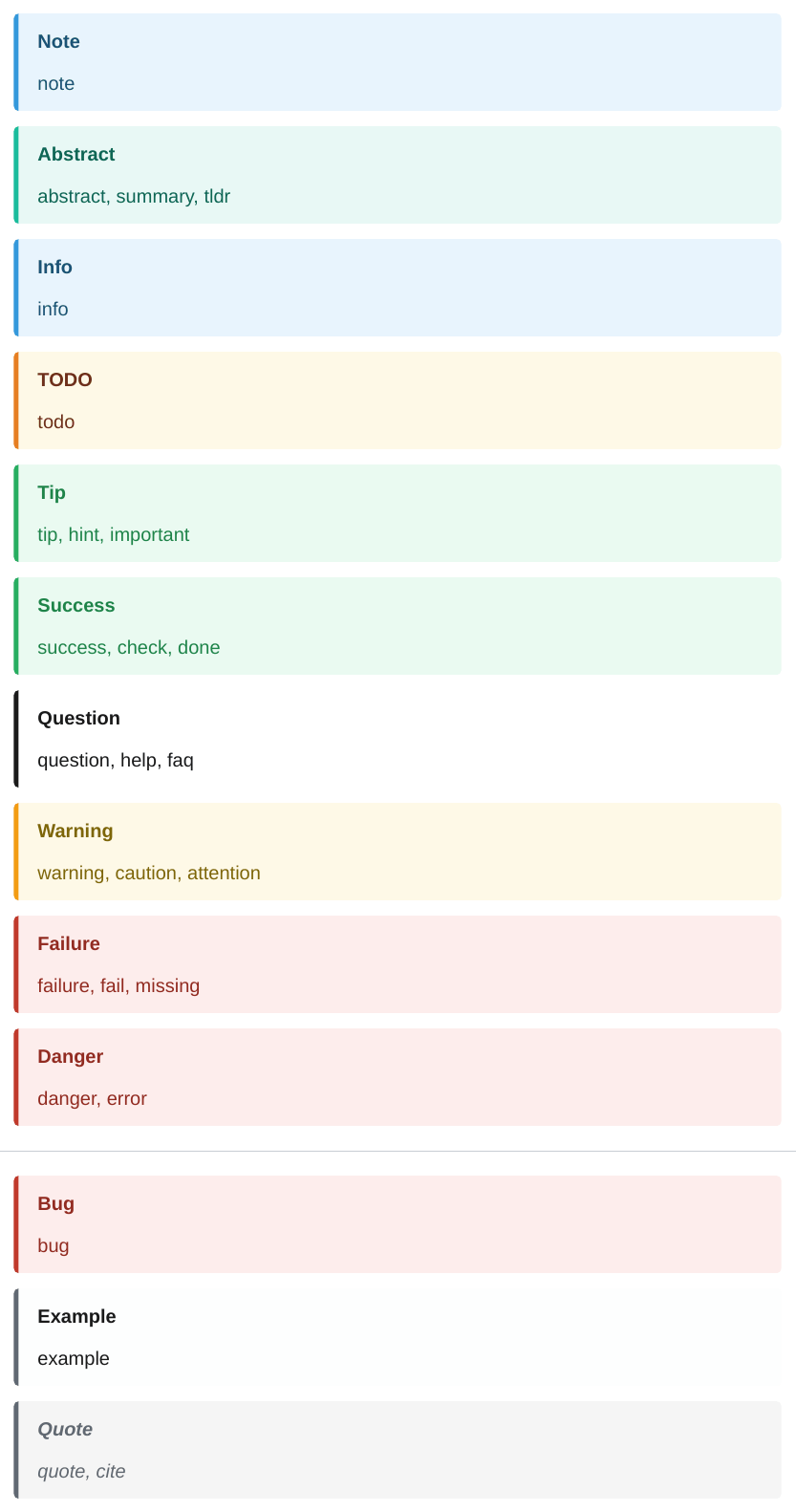
| Group | Types |
|---|---|
| note | note |
| abstract | abstract, summary, tldr |
| info | info |
| todo | todo |
| tip | tip, hint, important |
| success | success, check, done |
| question | question, help, faq |
| warning | warning, caution, attention |
| failure | failure, fail, missing |
| danger | danger, error |
| bug | bug |
| example | example |
| quote | quote, cite |
Any other type, such as [!information], looks like a note unless the template styles it.
Titles, folding, nesting
Markdown
> [!tip] A custom title
> The title replaces the type name.

> [!faq]- Foldable callouts are always shown open
> The `+` and `-` markers are accepted.

> [!warning] Nested callouts
> Outer text.
>
> > [!info] Inner callout
> > Inner text.

> [!note] Lazy continuation
A line without `>` still belongs to the callout,
as in Obsidian.

| Status | Note |
| ------ | ---- |
| Done   | > [!success] Inline callout in a cell |
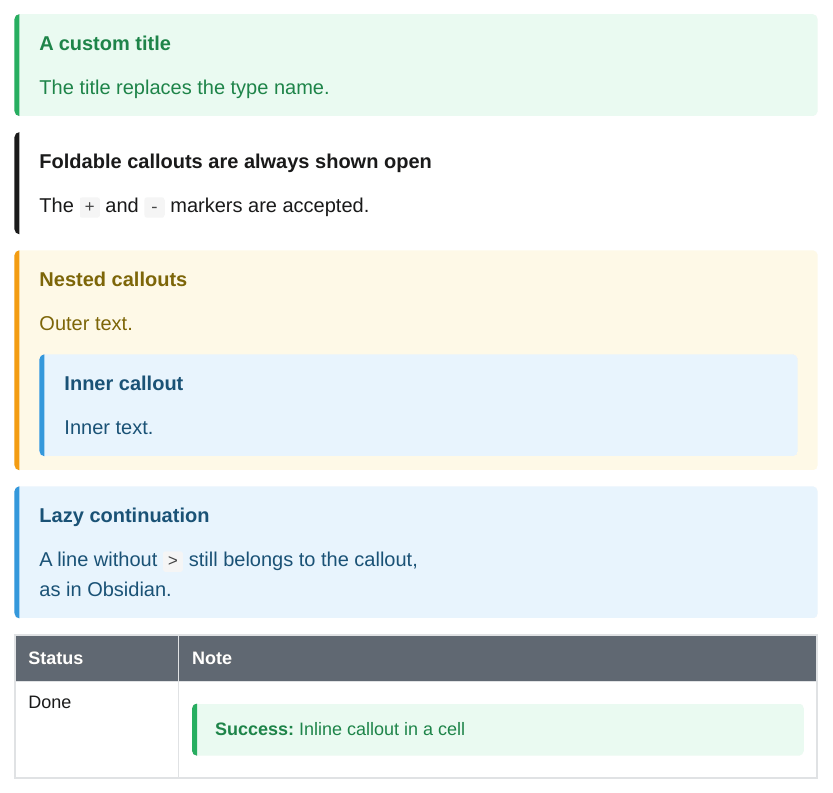
- The text after the type is the title. Without it, the type name is the title.
- The fold markers
[!faq]+and[!faq]-are accepted. The callout is always shown open. - Callouts nest with
> >. - Blank
>lines stay inside the callout. - A line right after a callout without
>still belongs to it (lazy continuation), as in Obsidian. - A single-line callout inside other text, for example in a table cell, becomes an inline callout.
HTML and CSS
A callout becomes a div with the classes of its type and group, and a data-callout attribute:
<div class="callout callout-warning callout-caution" data-callout="caution">
  <p><span class="callout-title"><strong>Title</strong></span></p>
  <p>Text</p>
</div>
An inline callout is a span with the same classes. To style a type, see the CSS reference.