Command line tool · open source · MIT
Turn a folder of Obsidian notes into one polished PDF
Wiki links, embeds, callouts, Mermaid, Dataview and more, rendered without Obsidian. Every folder becomes a numbered section, with a table of contents and your header and footer. Runs on your machine or in CI.
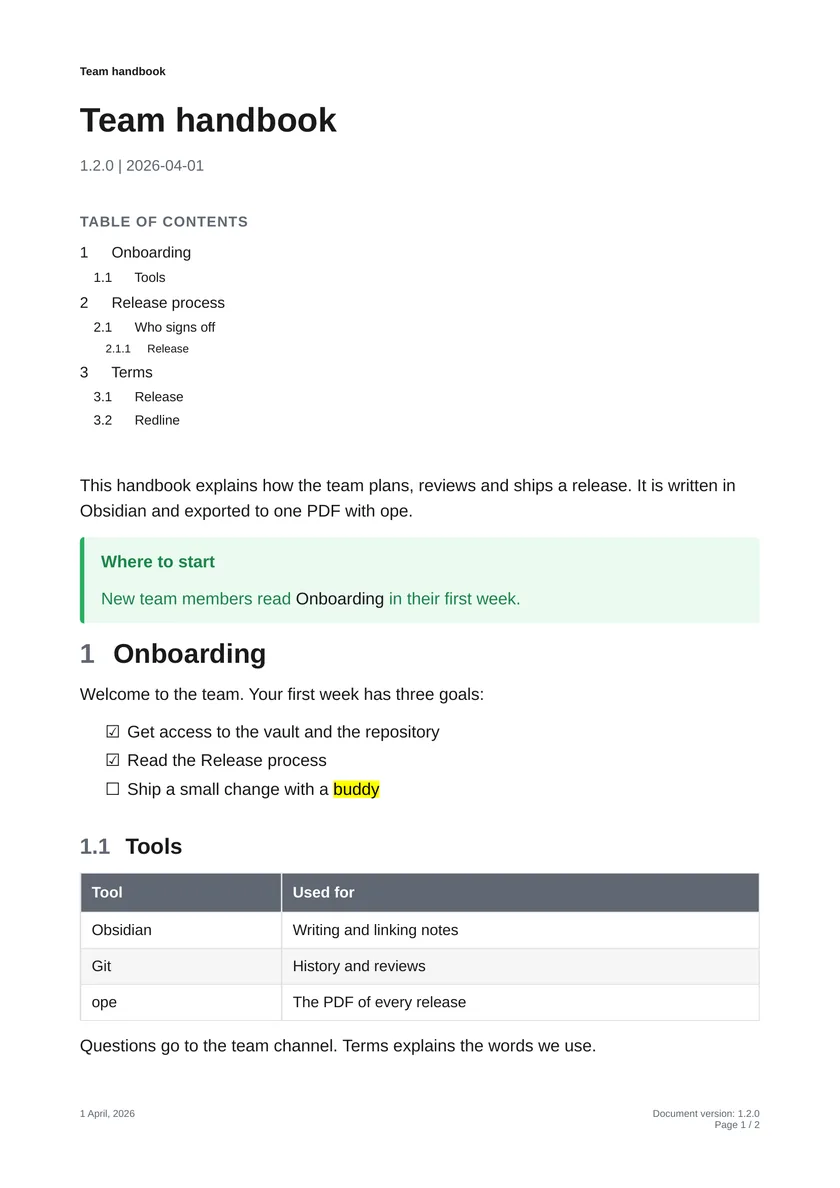
Every release follows the same four steps. New team members start with [[Onboarding]].

```mermaid
flowchart LR
    A[Draft] --> B[Review] --> C[Approve] --> D[Publish]
```

> [!warning] Feature freeze
> No new features in the ==last week== before a release.

## Who signs off

| Step    | Who      | When                |
| ------- | -------- | ------------------- |
| Review  | Reviewer | Within three days   |
| Approve | Owner    | Before the release  |

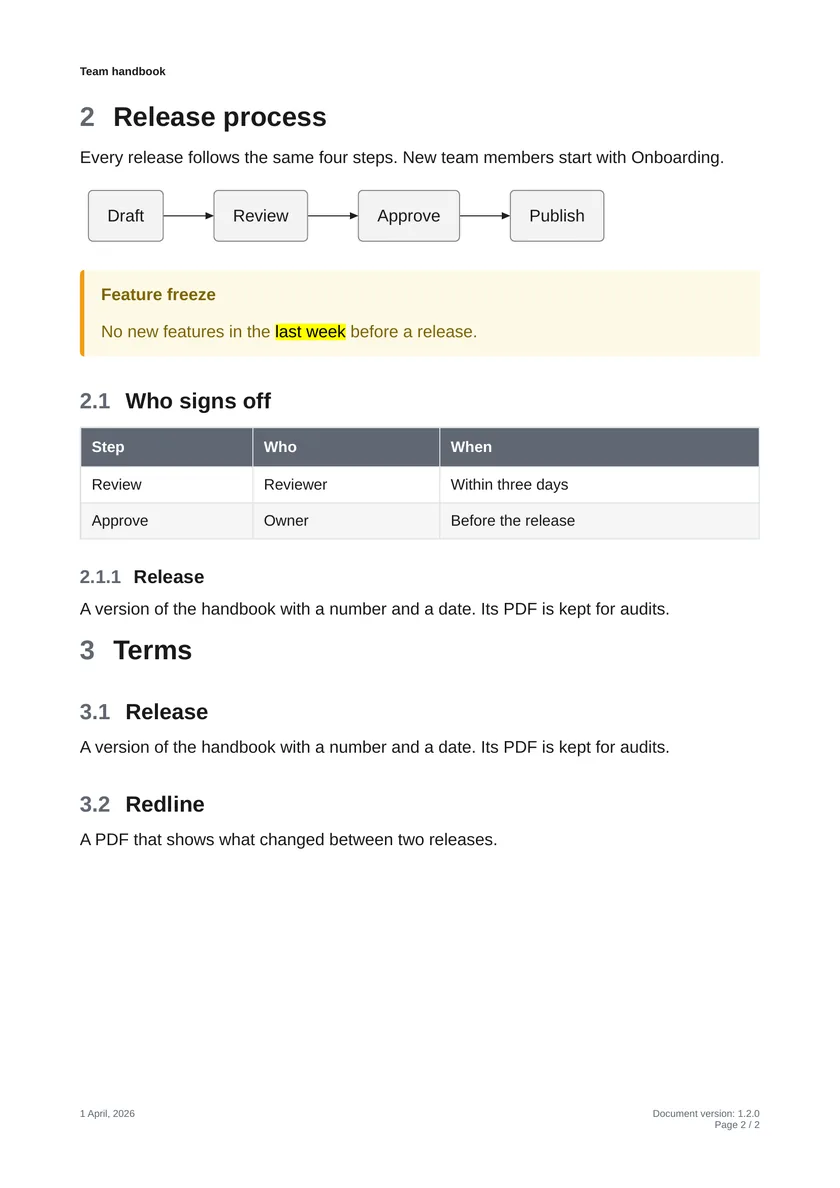
![[Terms#Release]]
The basics
A folder in, one finished PDF out
Point ope at a folder of your vault. Every subfolder becomes a numbered section, and the note inside it with the same name (Onboarding/Onboarding.md) its text. Links between notes, embeds and attachments are resolved across the whole vault.
Handbook/
├── Handbook.md         → first page
├── Onboarding/         → 1 Onboarding
├── Release process/    → 2 Release process
└── Terms/              → 3 Terms
- Title block, table of contents and numbered headings
- Running header and footer with title, version, date and page numbers
- The default template, or your own CSS
Everything in your notes, on paper
-
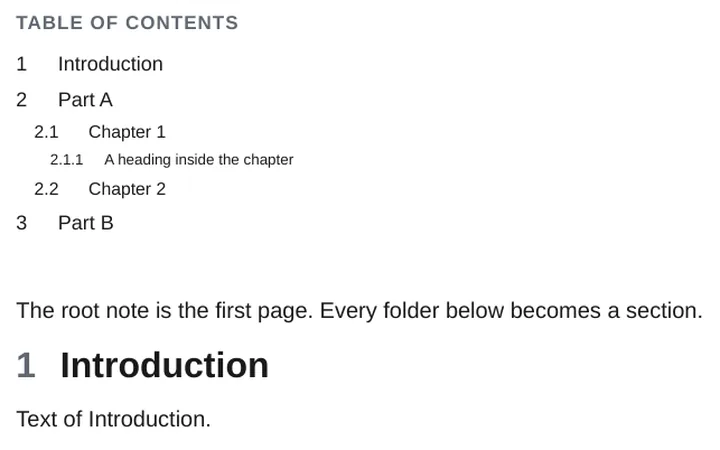
Folders become sections
Numbered headings and a table of contents.
-
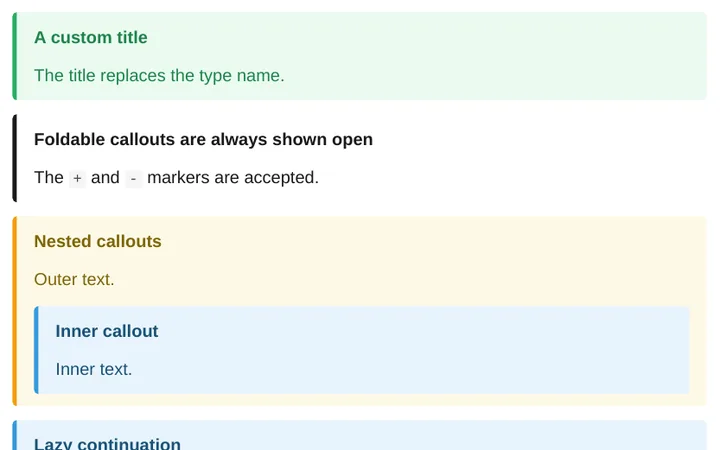
Callouts
Every type, custom titles, nested and foldable.
-
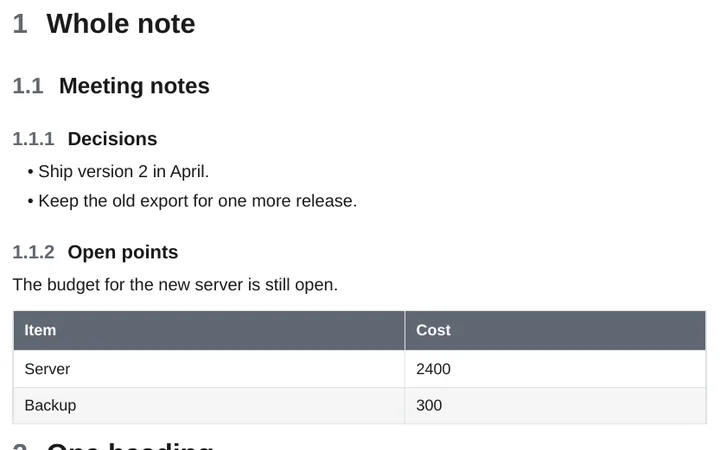
Embeds
Notes, headings, blocks, images, SVG and PDF pages.
-
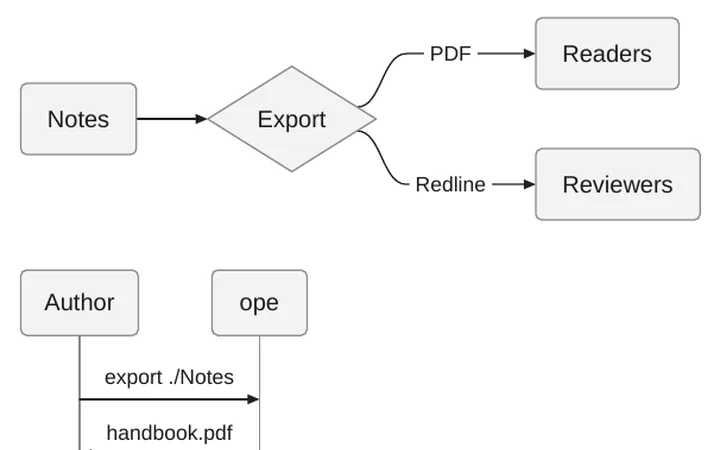
Mermaid diagrams
Rendered to sharp vector graphics, without Node.js or a browser.
-
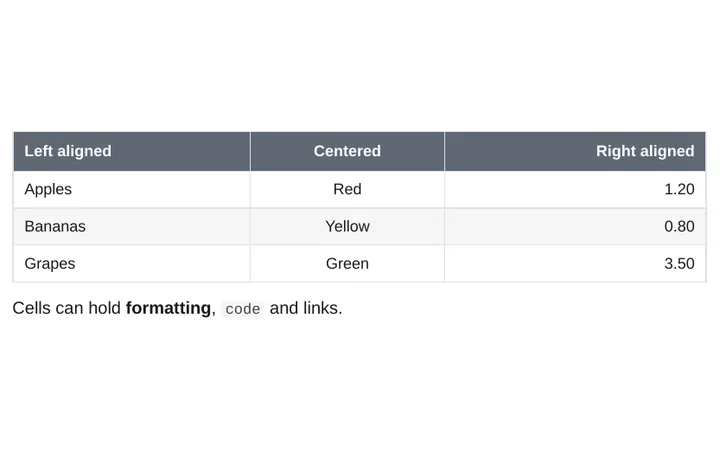
Tables
Alignment, wide tables on landscape pages.
-
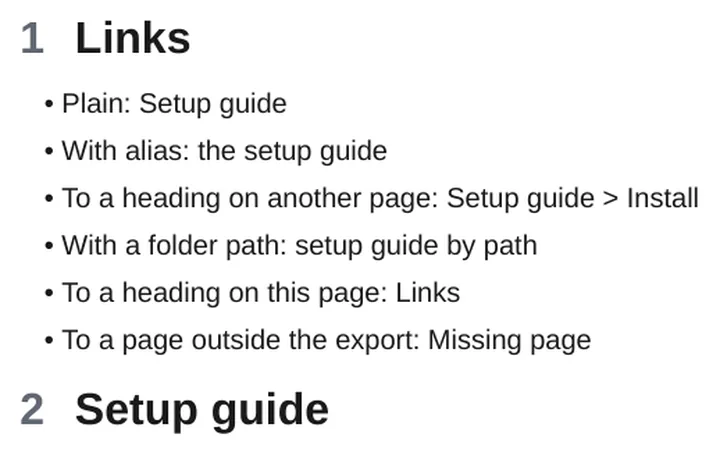
Wiki links
Links to notes, headings and blocks work in the PDF.
Obsidian syntax and community plugins
Your plugins, rendered to static pages
The syntax of popular community plugins becomes tables, lists and drawings in the PDF, with no Obsidian running.
-
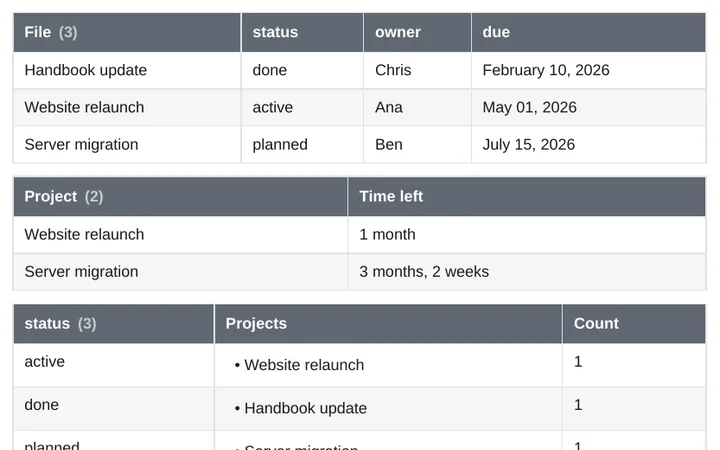
Dataview
Queries, inline fields and DataviewJS.
-
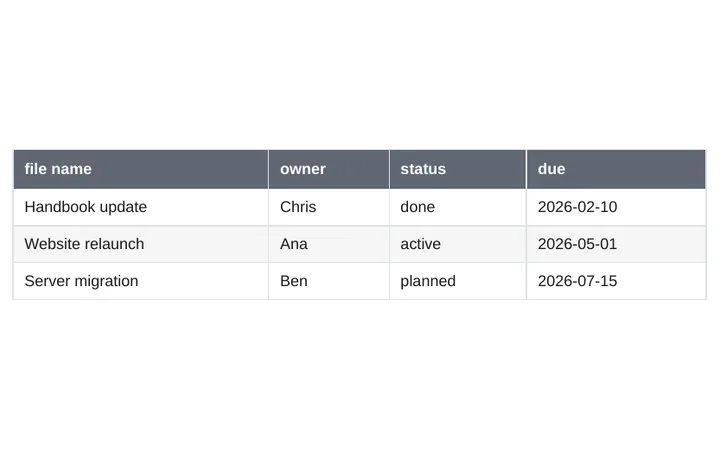
Bases
Table views of your notes.
-
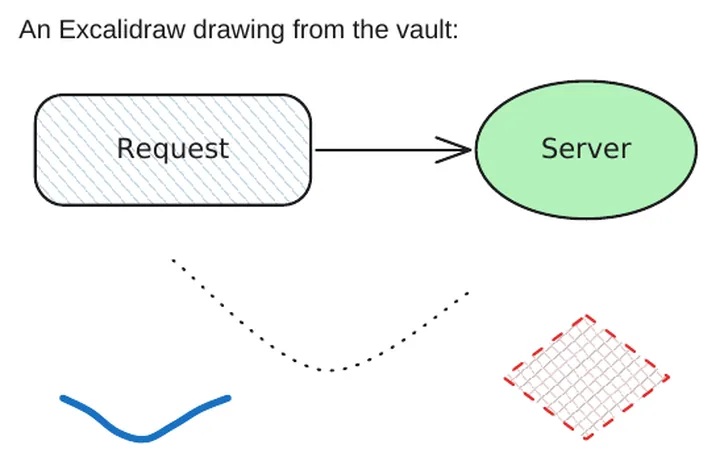
Excalidraw
Drawings, hand-drawn text included.
-
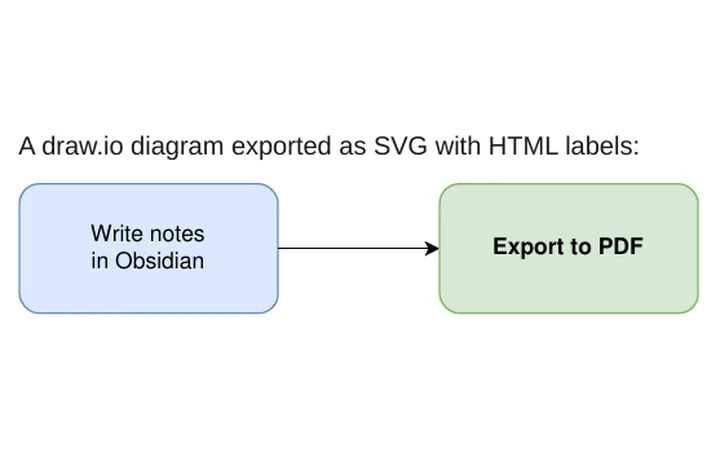
draw.io
Diagrams from
.drawio.svgand.drawio.png. -
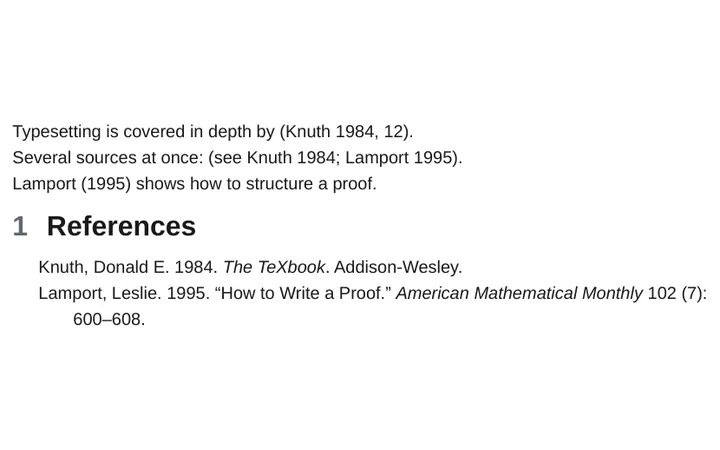
Citations
Pandoc citations and a bibliography.
-
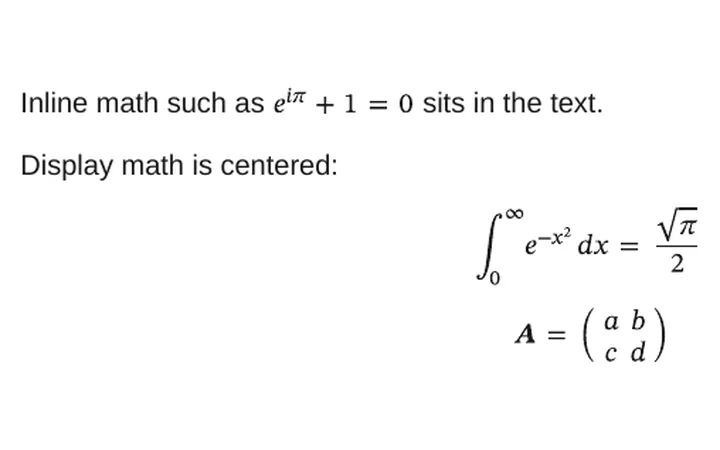
Math
LaTeX math, inline and as blocks.
Also: highlights and comments, tasks, footnotes, properties, Meta Bind, Block Link Plus, and plugins you write yourself.
Redline
See every change between two versions
Two git commits of your notes become one tracked-changes PDF: inserted text underlined in blue, removed text struck through in red, a change bar in the margin and a summary of every changed section. Made for reviews, approvals, audits and release notes.
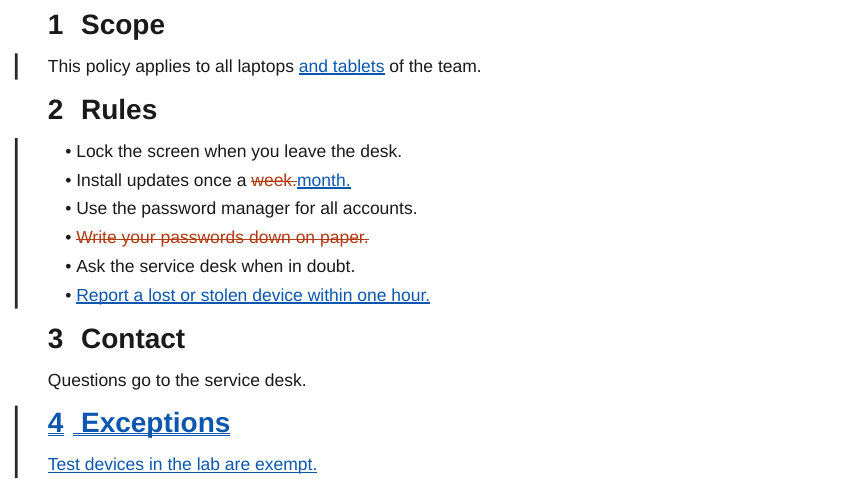
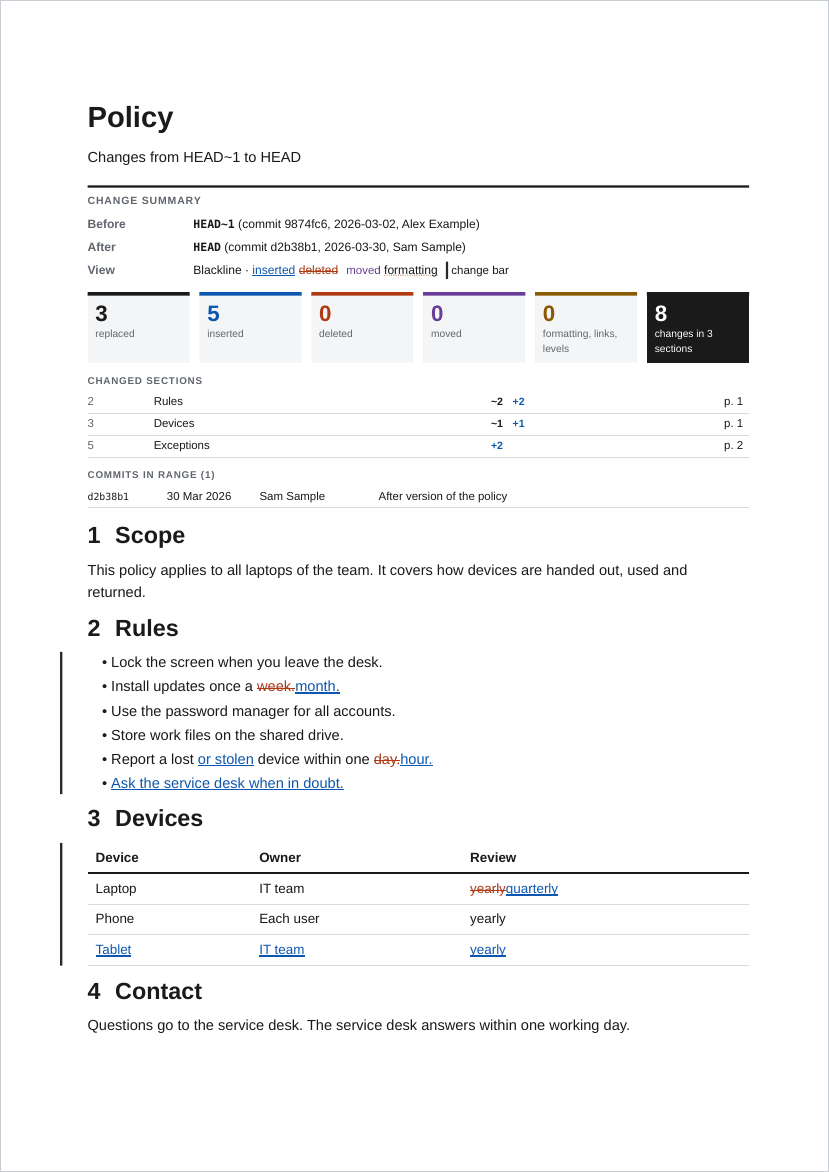
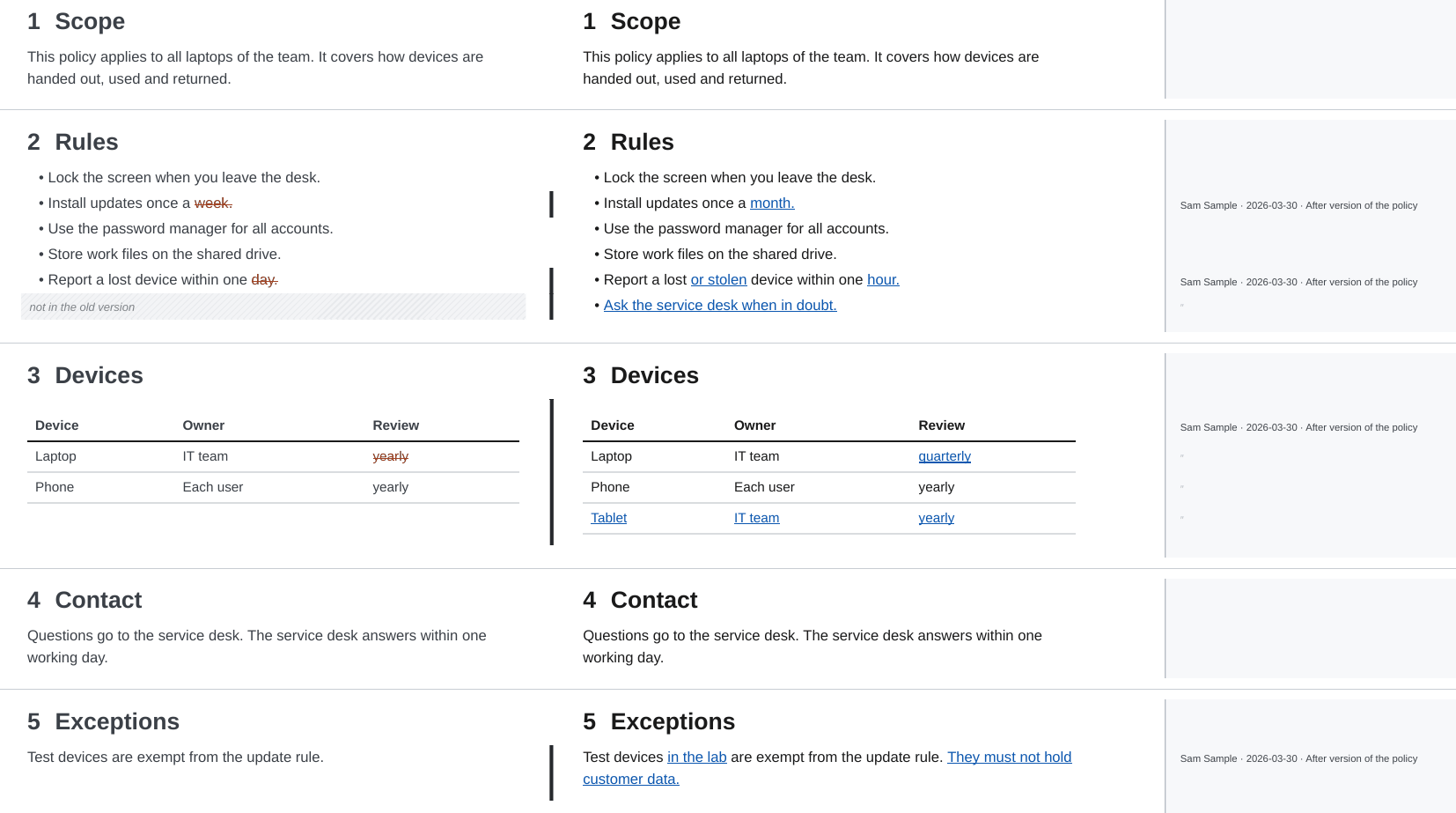
--blame: who changed what, and whenTemplates and styling
Make it look like your documents
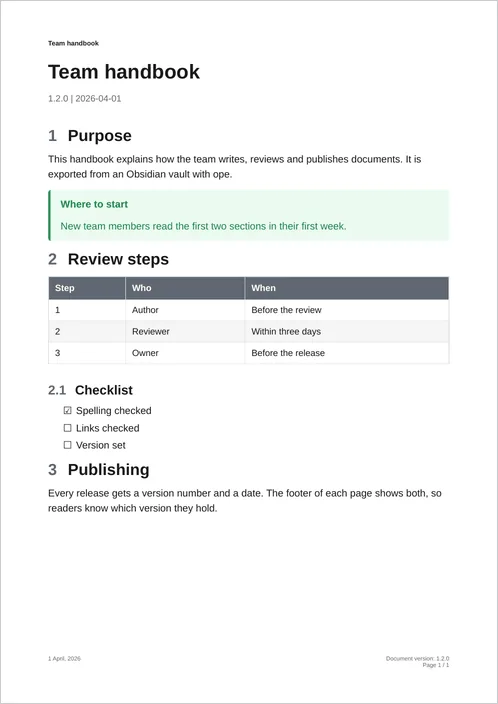
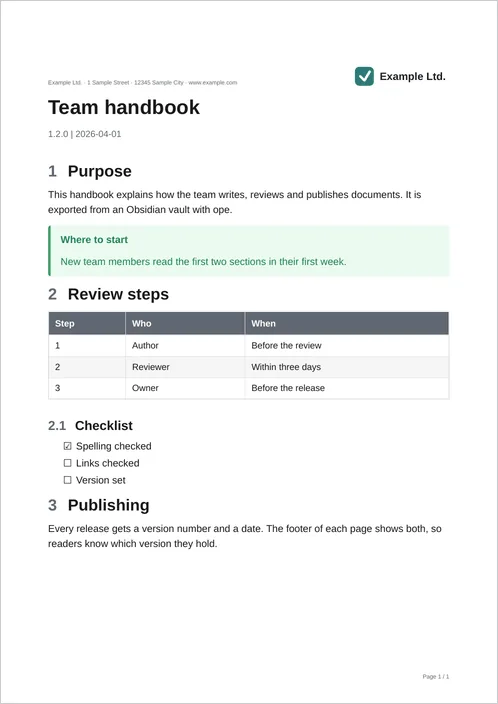
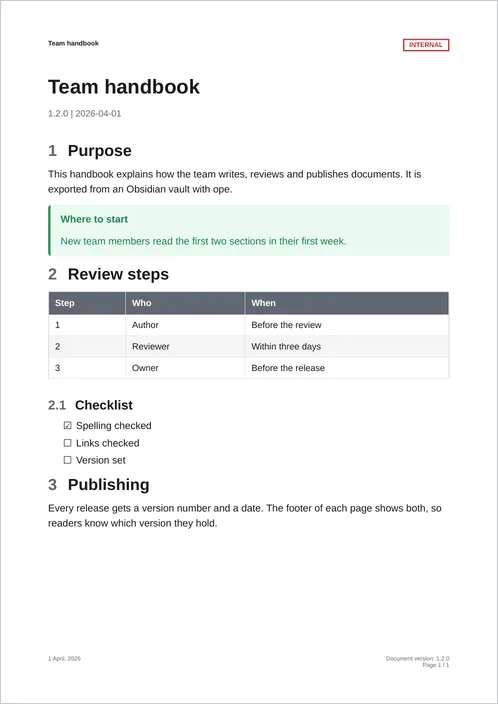
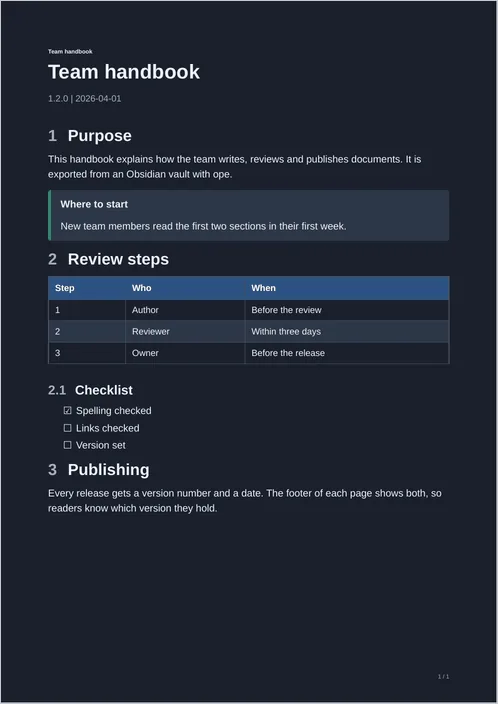
A template is a folder with CSS, a running header and footer and page rules. Start from a recipe and change what you need.
How it works
Plain Markdown in, PDF out, anywhere
- Write in ObsidianYour notes stay plain Markdown files in a folder, in git or not.
- Run
opeOn your machine or in CI. Obsidian does not need to be installed. - Share the PDFOne numbered document, or a redline for the review.
Working with an AI agent? ope ships a Claude Code plugin with a skill, and an llms.txt for any other agent. Use with AI agents