Code blocks
Fenced code blocks are highlighted by pandoc for the language after the fence. Inline code uses a monospace font.
Markdown
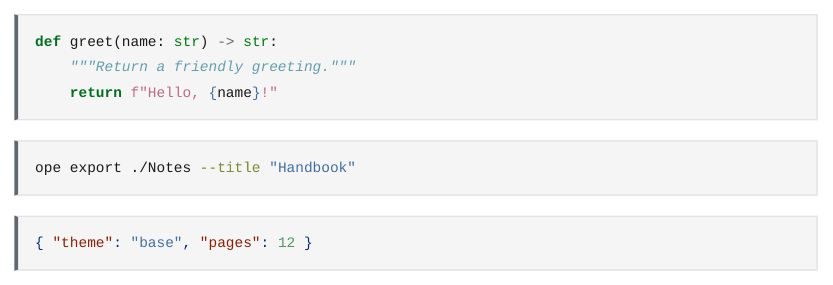
Code is shown as written. Wiki links, embeds, block IDs and %% comments inside code are not processed, as in Obsidian. A mermaid block is drawn as a diagram, see Mermaid. dataview blocks are run by the Dataview plugin.
The colours of the highlighting come from pandoc's default style. A template can change them with the span.kw, span.st, span.co (and so on) classes inside pre code.