Bitbucket Jira CLI
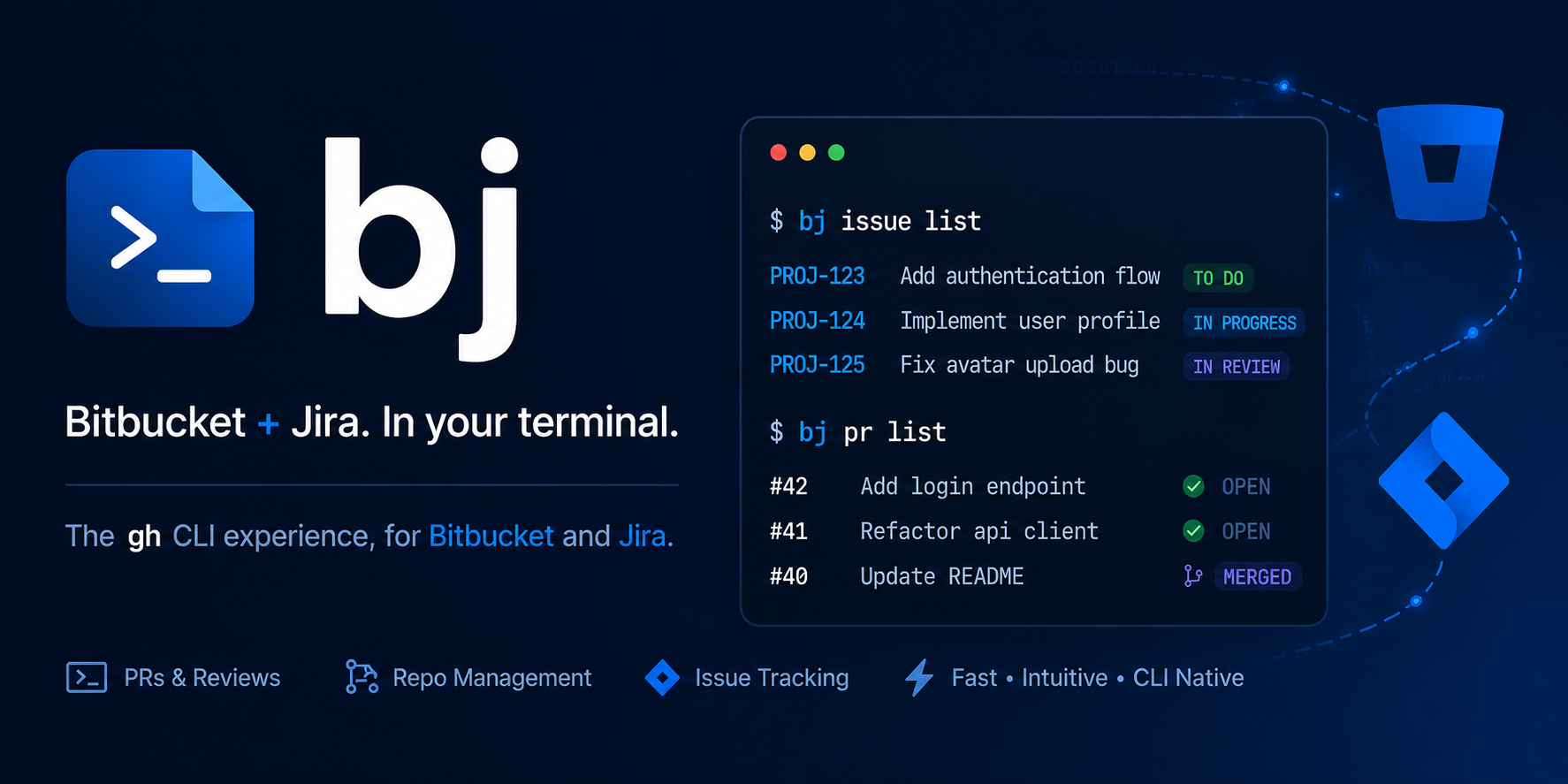
A gh-style CLI for Bitbucket pull requests, repos and pipelines, and Jira issues, with branch-name-as-Jira-key automation.
What it does
-
One-command install
A single
uvcommand installs an isolated, self-updating CLI. No virtualenv juggling. -
gh-style pull requests
Create, view, review and merge Bitbucket pull requests with the same noun-first ergonomics you know from
gh. -
Jira issues
Search (JQL), view, create, comment on and transition Jira issues without leaving the terminal.
-
Branch-key automation
Your branch name carries the Jira key.
bjauto-links PRs to tickets and transitions them on create and merge. -
Pipelines
Trigger, list and stream logs for Bitbucket Pipelines, the
gh runanalog. -
Ready for coding agents
Ships an Agent Skill so AI agents like Claude can drive
bjthe same way they drivegh.
Get going in 60 seconds
Install, authenticate, ship. That is the whole flow.
1. Install
2. Authenticate
3. Use it
# On a branch like feature/PROJ-42-thing, open a PR linked to PROJ-42:
bj pr create
bj pr view
bj issue view PROJ-42
Detailed setup lives in the installation docs.
Quick demo
Create a Jira issue, open a branch for it, and open a linked pull request, without leaving the terminal.